 | If you are using Skype in full screen mode, the Skype Connector window is no longer visible. |
 | If the Skype Connector window is disabled, you might have to log-on again.For further information please refer to Logging on. |
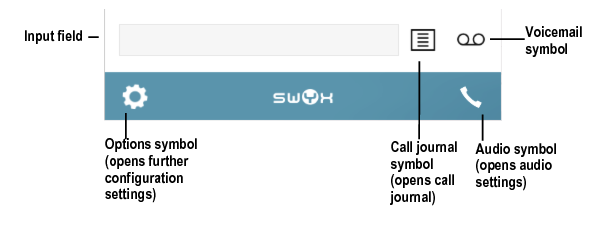
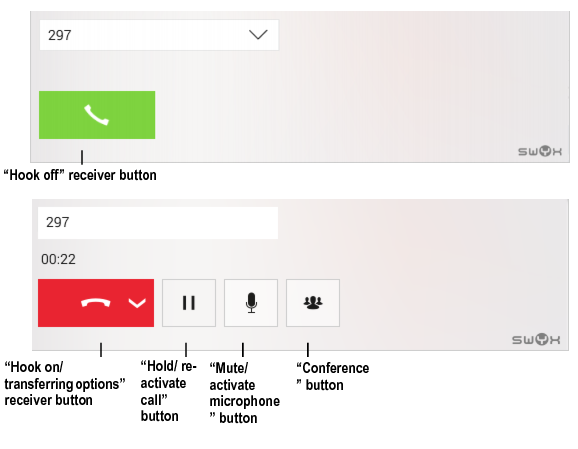
| | The Skype Connector interface buttons are automatically aligned to your telephony activities. The button “Conference”, e.g. is thus only visible, if you are connected to more than one call partner. |