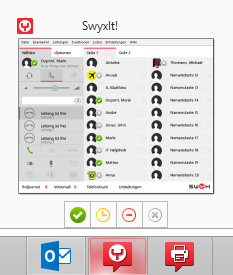
Status signaling in the preview window
If SwyxIt! is started, and you mouse over the SwyxIt! symbol in the taskbar, a preview window appears, which indicates your current status:
| The preview window is only visible, if the option “Minimize to tray icon” in the “General“ tab has been enabled in the user settings for the SwyxIt! window.SwyxIt! |